Talk in small groups in Langclub's own video rooms, right in your browser. There is no host: the questions are on your screen, and if nobody else is in your room yet, an AI conversation partner talks with you. After the session you get a personal AI report on your English.
Each round has its own list of questions, shown in the room.
Get to know each other and warm up in English.
A relaxed conversation to build fluency, with new questions and a new room.
When Round 1 ends, the room closes and a notice lets you join Round 2 with one click. You can also leave a room and pick another one while the session is on.
No waiting for other people to arrive.
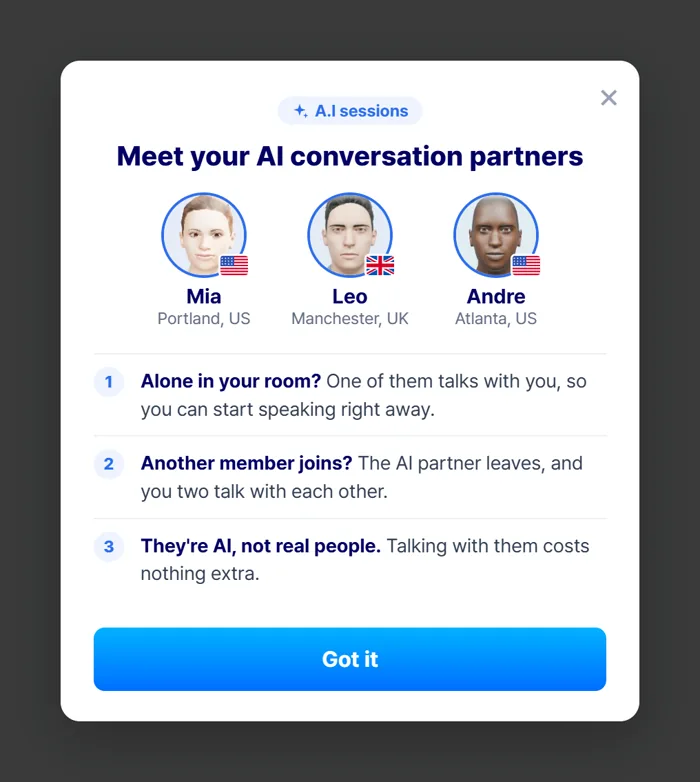
Alone in your room? Mia from Portland (US), Leo from Manchester (UK) or Andre from Atlanta (US) talks with you. They go through today's questions with you, but you can talk about anything.
Another member joins? The AI partner leaves, and you two talk with each other.
They are AI, not real people. Talking with them costs nothing extra, and everything you say still counts for your AI feedback report.
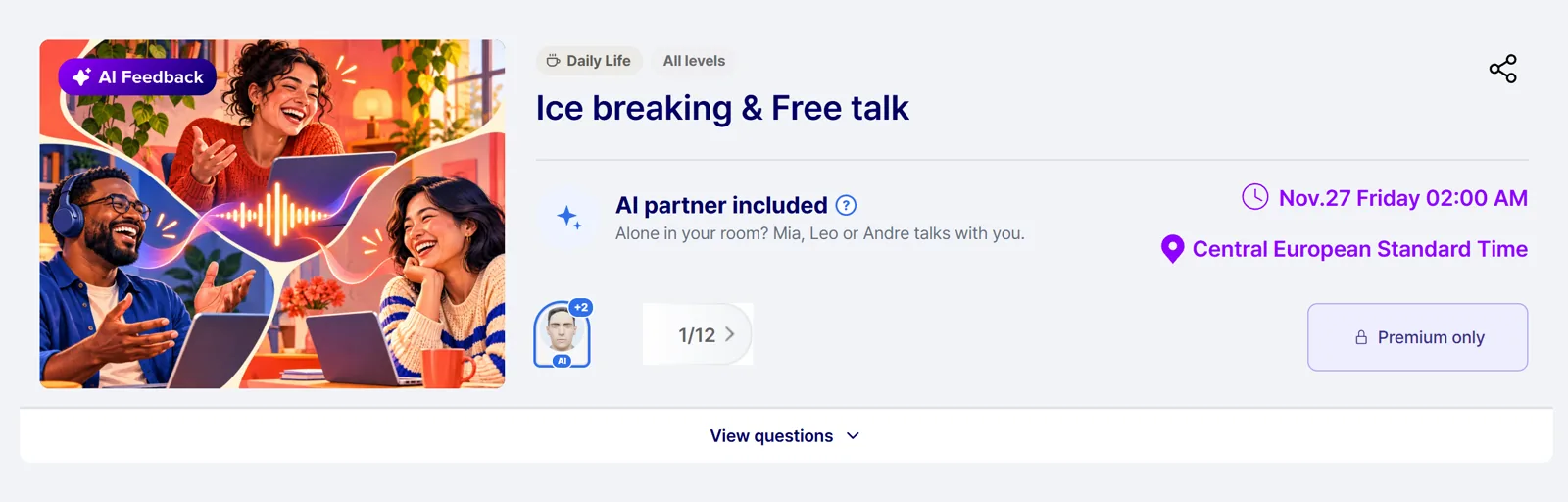
AI Feedback sessions are for Premium members. Find one on Sessions and click Book. All times are shown in your local time zone, and we email you a reminder 1 hour before.
Join This Session turns on 10 minutes before the start. It opens the Langclub AI Feedback site with your Langclub account, so you don't need another sign-up. The first time, you may be asked to choose your country.
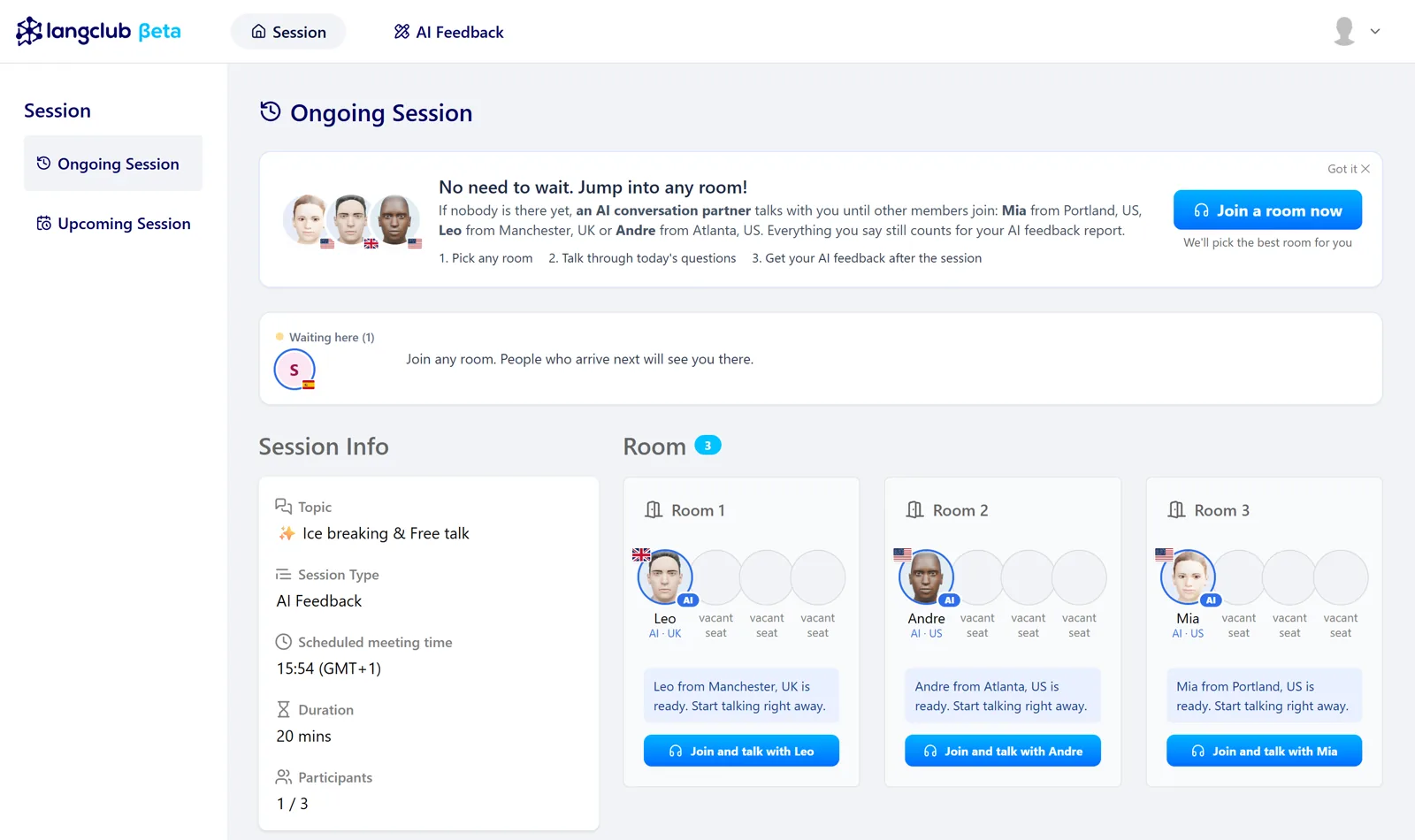
Click Join a room now and we pick the best room for you, or choose a room yourself. Each room shows who is in it, and the AI partner who is ready to talk.
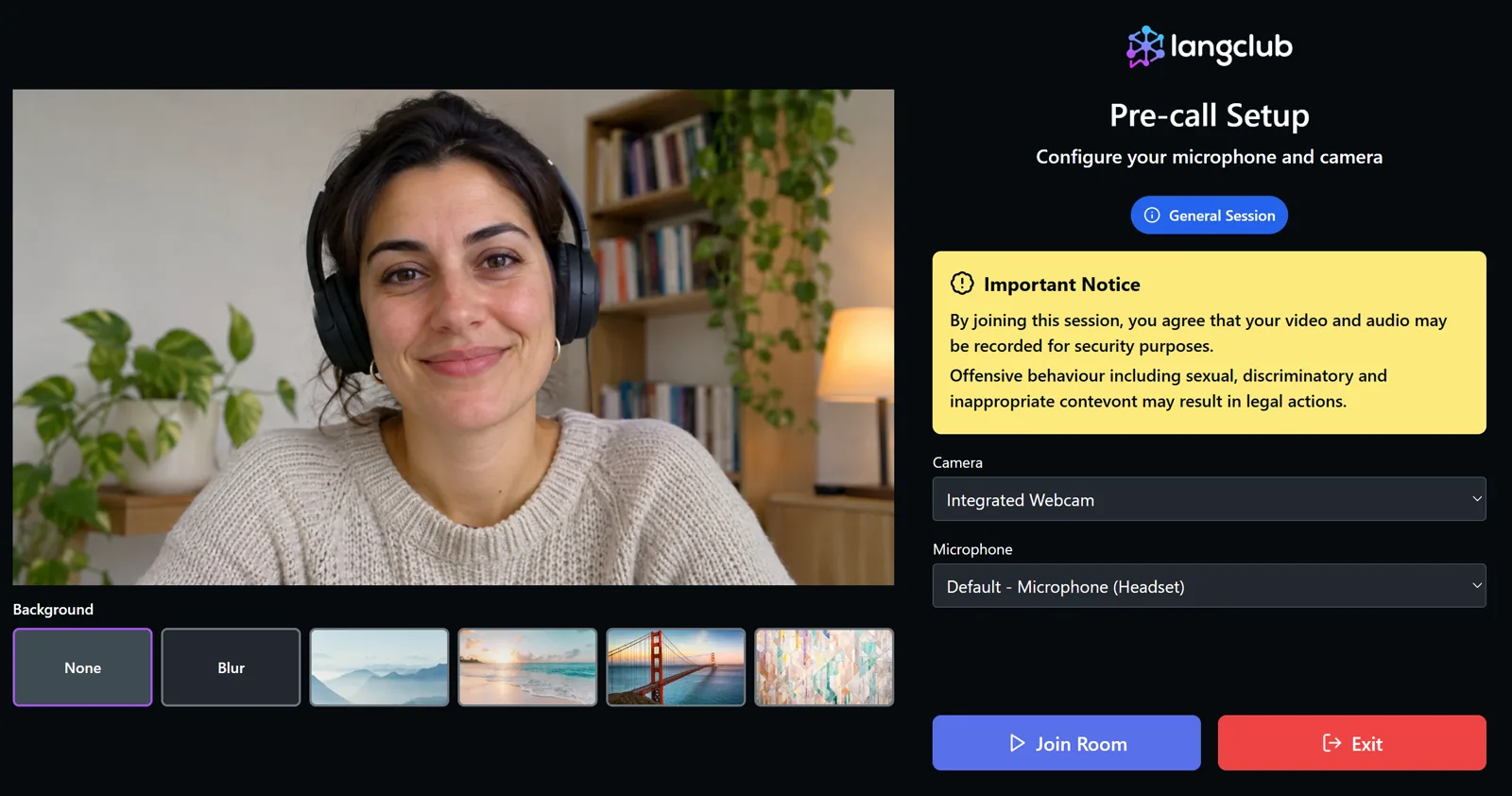
Choose your camera and microphone, and a background if you like (Blur or a picture). Then click Join Room.
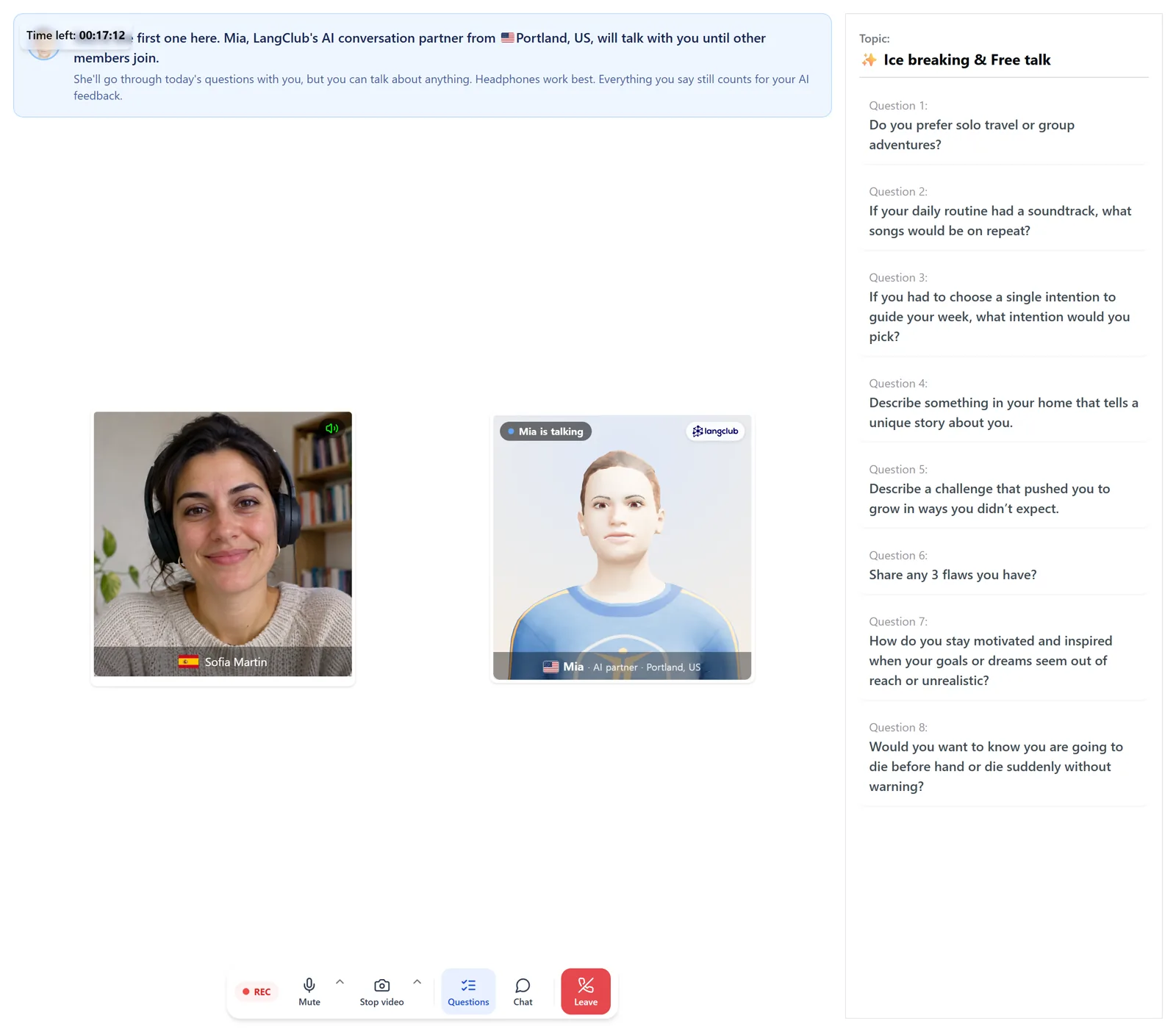
Questions shows or hides today's questions. Take turns: pick a question, answer it, then ask the next person.
REC means your voice is being recorded. The AI needs it to write your feedback report.
Your microphone turns on when you join. The AI partner only talks while your microphone is on. Mute, Stop video, Chat and Leave are in the same bar, and the time left is at the top.
Wear headphones. Without them, the AI partner's voice can reach your microphone and get mixed into your report.
Usually ready a few minutes after your round ends. We also email you when it is ready.
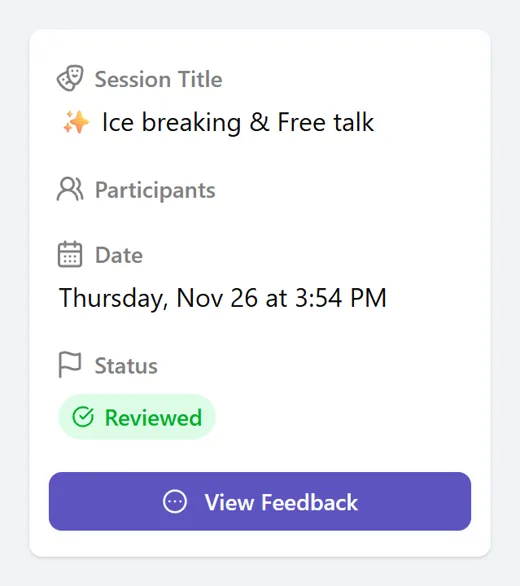
Click My Feedback in the Langclub menu, then View Feedback on the session.
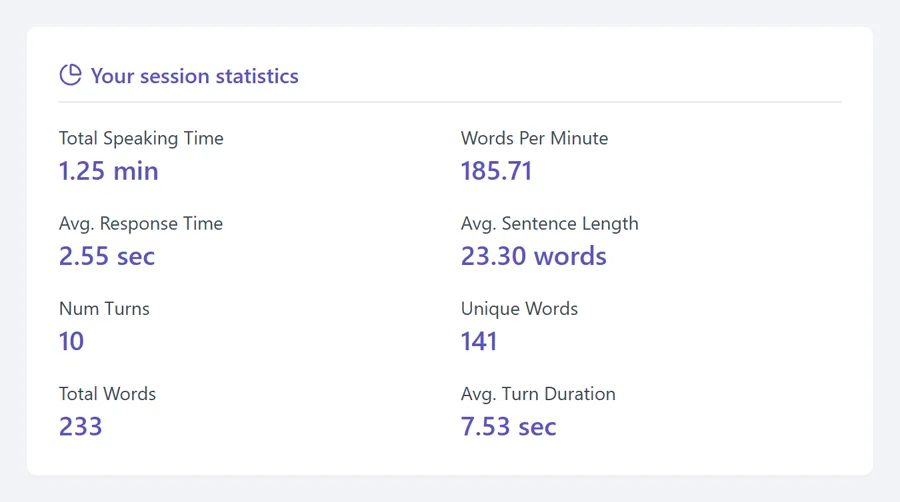
Your speaking time, words per minute, turns and unique words, and an AI score for complexity, accuracy and fluency next to the Langclub average.
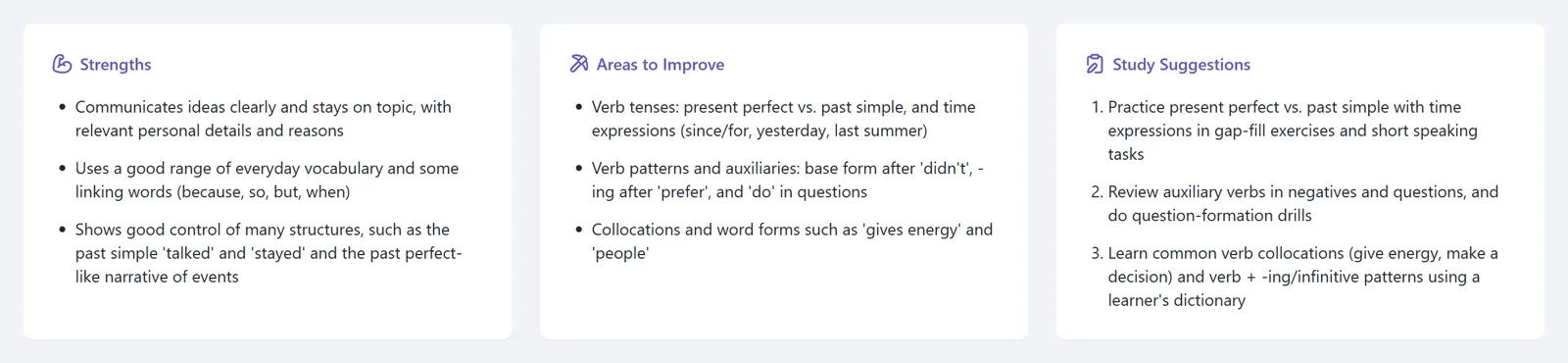
Your strengths, the areas to improve, and study suggestions made for you.
Each thing you said, with the corrected sentence and a short explanation with an example. Turn on Show Full conversation to see the whole conversation, not only your own sentences.

The same rules as every Langclub session. Read them all
Camera on at all times, with good light on your face.
Intermediate English (B1) or higher, and members must be 16 or older.
Be kind and respectful, give others time to speak, and don't join while driving.
No. Join This Session signs you in with your Langclub account. You don't need another username or password.
Premium members. On the Sessions page they say Premium only if you are not a Premium member yet. See Premium
No. Mia, Leo and Andre are AI conversation partners. One of them talks with you only while you are alone in your room, and leaves when another member joins.
Usually a few minutes after your round ends. We email you when it is ready, and you can always find it in My Feedback.
No. Your report is made from what you say, and every member takes part in the conversation. Please keep your camera and microphone on.
Your voice is recorded only to make your report. The audio recordings are deleted automatically after 7 days. Your report stays in My Feedback.
Yes. Click Leave to go back to the room list, and join another room while the session is on.
At least B1 (intermediate). Not sure about your level? Try the free Cambridge English test.
Booked a Conversation Session with a host instead? See how Conversation Sessions work.
Pick an AI Feedback session and get your report today.
Find a session